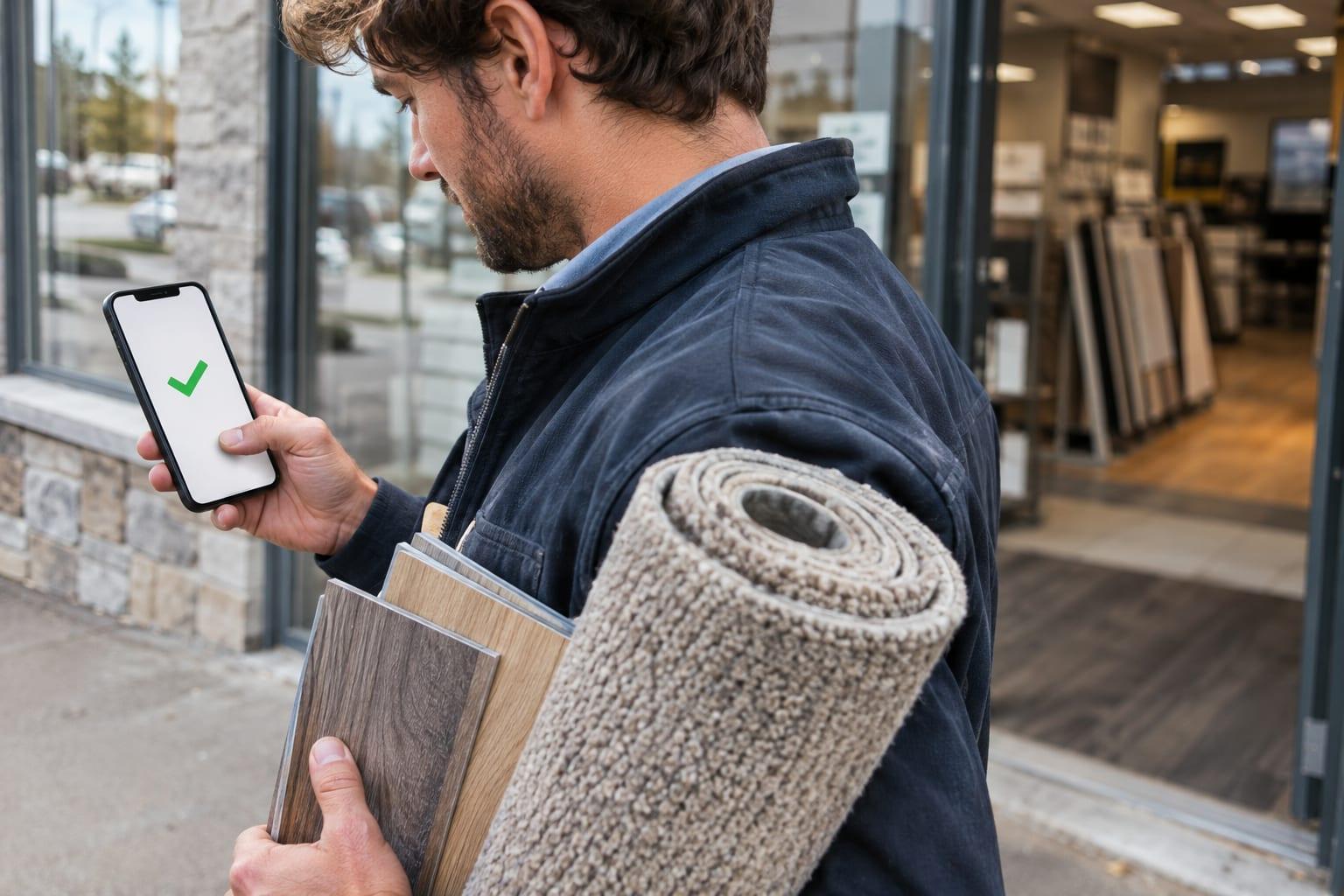
How Sales Perch works
The manager plans the route. The rep checks in at each door, taps or says what happened, and moves on. The manager sees every visit as it lands.
A rep's day, stop by stop
Every stop planned, every visit proven, every note kept with the customer.
- 1
Stop 1: The route is waiting
Your manager plans the day. The rep opens the app to every stop, the person to ask for, and directions.
Route 9Mill St12345North corridor · 2 of 7 stops done
- 2
Stop 2: Check in at the door
One tap, and GPS confirms the rep was really there.

GPS confirmed, 40 ft from the door
Cedar Ridge Kitchens
Laura Chen, buyer · 2605 Wrenfield Ct
10:42 AM
- 3
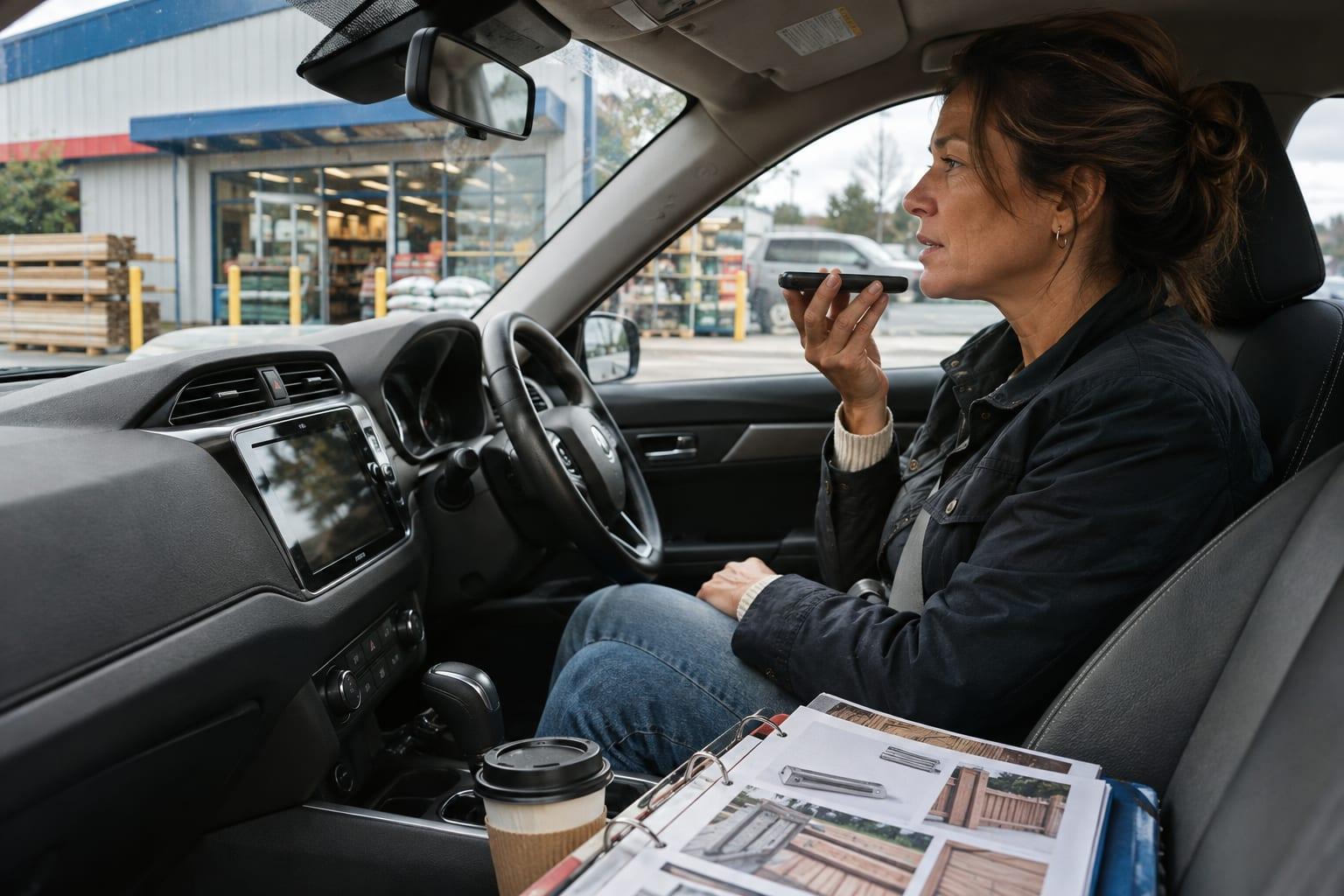
Stop 3: Notes that stay with the customer
Tap what happened or say it out loud. Every note lands on the customer's record, so the next visit starts where this one ended, whoever makes it.
Talked to the buyerLeft samplesTook an orderAsked for a quote“Laura wants pricing on the spring line before she orders. Bring samples Tuesday and ask about their second location.”

- 4
Stop 4: On to the next customer
A second tap checks out, and the next stop is up with its directions. No one on the route gets skipped.

Visit saved · 3 of 7 done
4DirectionsNext stop · 11:30 AM
Summit Office Group

Run a rep's morning yourself
Tap through Dana's next three stops on her phone. Every tap lands on her manager's screen as it happens.
Dana's phone
Stop 3 · 10:40 AM
Cedar Ridge Kitchens
2605 Wrenfield Ct
Ask for Laura Chen, buyer
You're at the door
What the manager sees
2of 7 stops done
0visits proven by GPS
0orders taken
- Check in on Dana's phone, and her visit shows up here.

Your whole team's day, as it happens
- No more end-of-day callsYou know who was seen and what was said without chasing a single rep.
- Every day on one pageEach rep's visits, notes and missed stops, in Reports whenever you look. Email it if you want it.
- Visits that didn't happen get caughtA one-minute stop, two places at once, or a check-in far from the door is flagged for you.
- 10:42Dana Ortiz checked in at Cedar Ridge KitchensGPS confirmed, 40 ft from the door
- 10:37Marcus Reyes checked out of Summit Office GroupTook an order
- 10:29Megan Hart dictated a note at Elm Street BuildersWants a quote before the spring order
- 10:15Marcus Reyes visited Lakeside Supply Co.Needs a lookChecked out after 40 seconds
No card needed.
Up and running in your first week

- 1
Step 1: Create your account
Add your company and you're in. No card and no sales call.
- 2
Step 2: Bring in your customers
Upload your customer list from a spreadsheet. Add your sales history too, and Sales Perch spots who is buying less.
- 3
Step 3: Invite your reps
Each rep gets an email invite and signs in on their phone, Android or iPhone.
- 4
Step 4: Run Monday's meeting from it
Open last week's visits and the customers nobody has seen. Each rep leaves with their stops for the week.

Built for any team whose reps visit customers in person, from five reps to fifty.
Try 30 days free