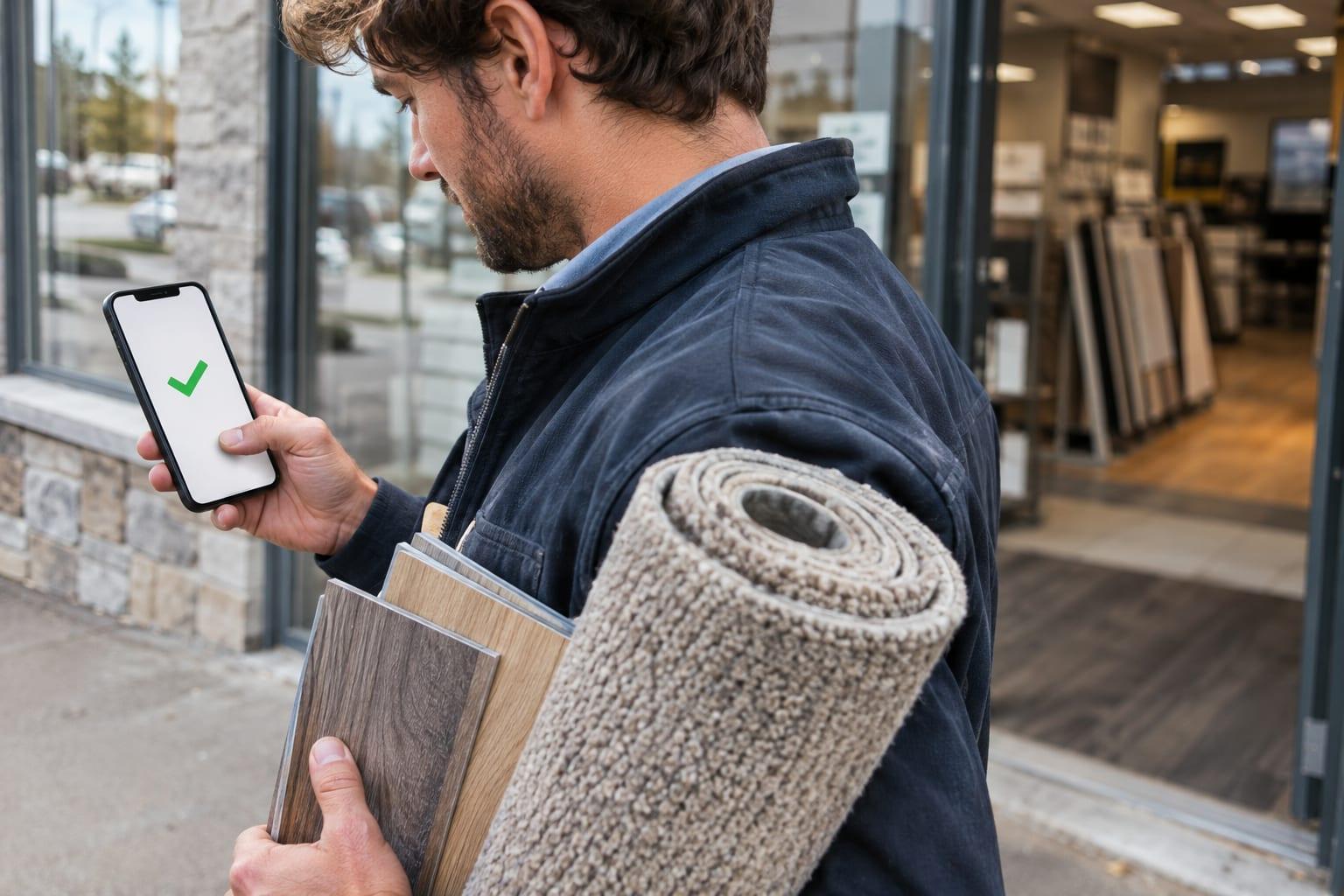
The field sales app your reps keep open all day
Each rep starts the day with the route already on their phone, checks in at the door in two taps, and leaves a note before driving to the next stop.
No card needed.

Dana Ortiz, Tuesday
6 stops in driving order · Repeats every week
- Lakeside Supply Co.Checked out 9:05 AM
- Prairie HardwareChecked out 10:10 AM
- 3Cedar Ridge KitchensChecked in 10:42 AM
- 4Summit Office GroupNext stop, 11:30 AM
The day's route, ready every morning
Managers plan the routes, for one day or on a repeating schedule. Sales Perch puts the stops in driving order, and the rep sees the next stop with directions in their maps app.
- 1
Stop 1: The route is waiting
Your manager plans the day. The rep opens the app to every stop, the person to ask for, and directions.
Route 9Mill St12345North corridor · 2 of 7 stops done
- 2
Stop 2: Check in at the door
One tap, and GPS confirms the rep was really there.

GPS confirmed, 40 ft from the door
Cedar Ridge Kitchens
Laura Chen, buyer · 2605 Wrenfield Ct
10:42 AM
- 3
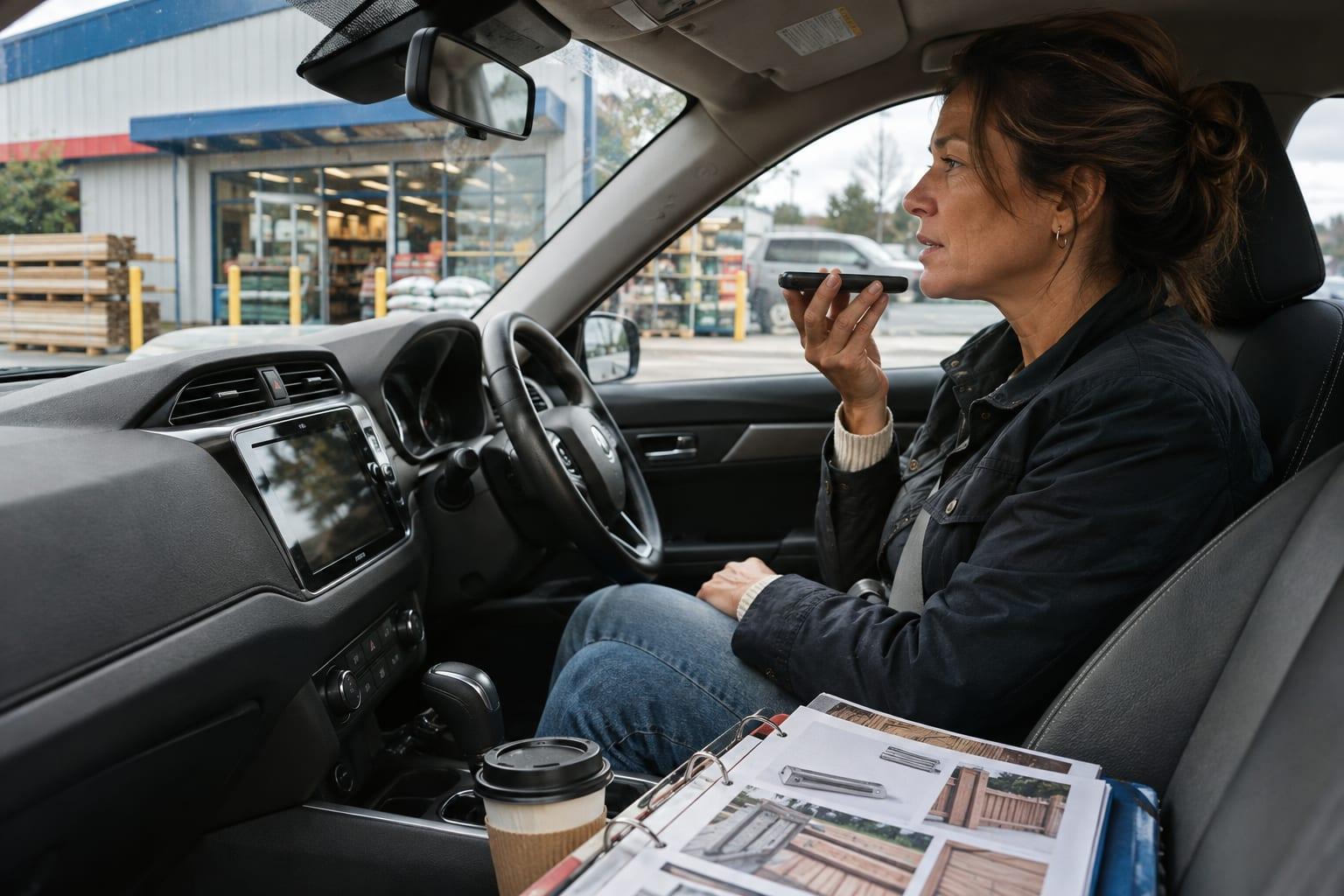
Stop 3: Notes that stay with the customer
Tap what happened or say it out loud. Every note lands on the customer's record, so the next visit starts where this one ended, whoever makes it.
Talked to the buyerLeft samplesTook an orderAsked for a quote“Laura wants pricing on the spring line before she orders. Bring samples Tuesday and ask about their second location.”
- 4
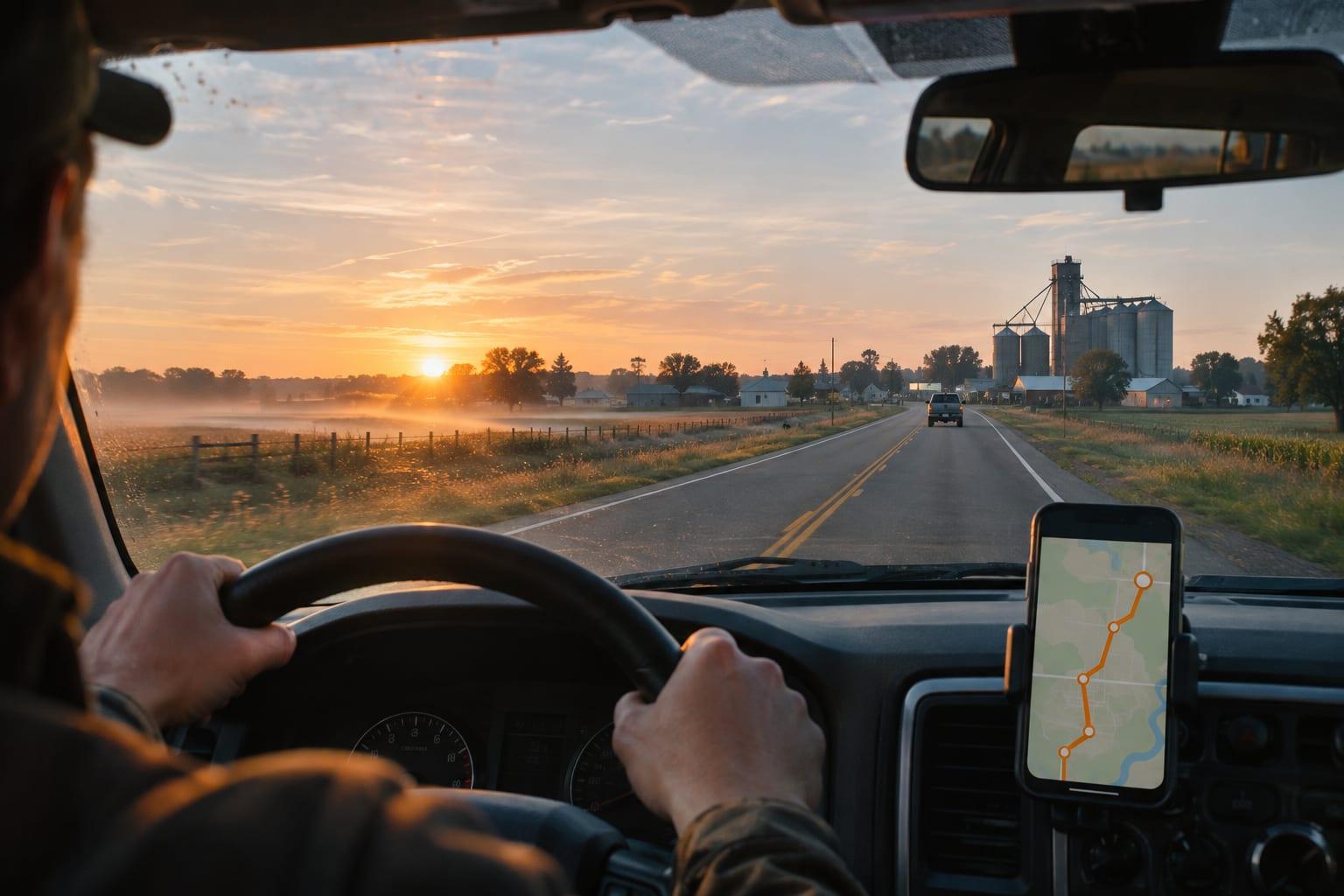
Stop 4: On to the next customer
A second tap checks out, and the next stop is up with its directions. No one on the route gets skipped.

Visit saved · 3 of 7 done
4DirectionsNext stop · 11:30 AM
Summit Office Group
Two taps at the door
A rep checks in when they arrive and checks out when they leave. Each check-in saves the time and the phone's location, so nobody fills in a visit log at the end of the week.
Notes before the next stop
Reps type or dictate a note when they check out. It stays with the customer, beside every earlier visit, note and contact.
No signal, no problem
Visits logged without signal are kept on the phone and sent once it reconnects.
Customers and prospects in one list
Prospects sit beside customers, each with a status, and a rep can set a reminder for the next step.
On the phones your reps already carry
- An Android app
- Safari on an iPhone, added to the home screen
- Rep screens in English and Spanish

Questions before you start
- Does it work on an iPhone?
- Yes, in Safari, and a rep can add it to the home screen. The store app is for Android.
- Does the app work without signal?
- Yes. Visits logged without signal are kept on the phone and sent once it reconnects.
- Do reps have to share their location all day?
- No. Unless the company turns on all-day sharing, location is read only when a rep checks in.
- What does Sales Perch cost?
- $59 per user per month, billed monthly, with a five-user minimum. The first 30 days are free and need no card. There is no contract.
One plan, everything in it
$59per user
per month
Five-user minimum. No card for the first 30 days.